Iptv Guide
Introduction
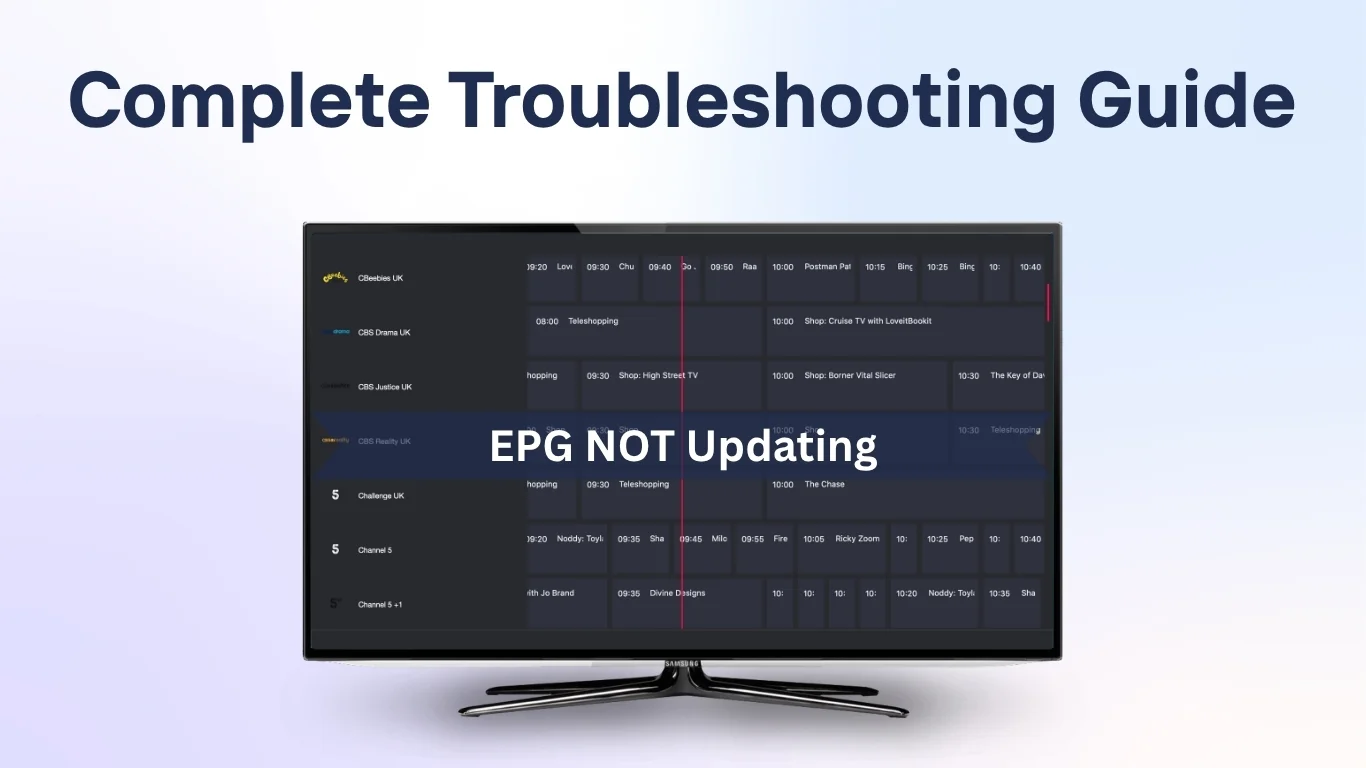
If you’ve noticed that your IPTV EPG not updating properly, you’re not alone. The Electronic Program Guide (EPG) is an essential part of any IPTV service, providing detailed schedules, show descriptions, and channel information. When it stops updating, it can be frustrating — leaving viewers without access to what’s currently on or coming next.
In this guide, we’ll explain why IPTV EPG fails to update, how to troubleshoot common problems, and what steps you can take to restore your TV guide efficiently. Whether you’re using an IPTV UK Provider, a UK IPTV Service, or a 4K IPTV Subscription, this article will help you get back on track.
What Is IPTV EPG and Why Is It Important
EPG (Electronic Program Guide) is a digital schedule that displays programming information for all channels on your IPTV service. It allows users to:
- Browse upcoming shows and movies
- View start and end times
- Set reminders or recordings (in supported apps)
- Navigate easily through hundreds of channels
When your EPG stops updating, it disrupts the viewing experience and makes channel surfing far less enjoyable.
Common Causes of IPTV EPG Not Updating
1. Outdated EPG Source URL
One of the most common issues is an expired or incorrect EPG source link. If your IPTV playlist or app cannot access a valid XML or M3U EPG source, the guide will not refresh.
Solution:
Check your IPTV provider’s dashboard or contact customer support for the latest EPG URL. Update it in your app settings and reload the guide.
2. Incorrect Time Zone Settings
If the time zone in your device or IPTV player is incorrect, your EPG may appear blank or show mismatched schedules.
Solution:
- Go to your device settings and ensure your time zone matches your location.
- In your IPTV app (such as Tivimate or IPTV Smarters), enable automatic time synchronization.
3. Cached Data or Old EPG Files
Some IPTV apps store EPG data locally. Over time, these files can become outdated or corrupted.
Solution:
- Clear the cache within your IPTV app.
- Restart the app and reload the EPG.
- If available, use the “Refresh EPG” or “Reload Guide Data” option.
4. App or Firmware Glitches
If you’re using an outdated app version or your device’s firmware hasn’t been updated, it can cause synchronization issues with the EPG.
Solution:
- Check for updates in your app store.
- Reinstall the IPTV app if issues persist.
- Update your device firmware (especially on Android TV boxes or Firesticks).
5. Server Downtime or Provider Issue
Sometimes, the issue is on your IPTV provider’s side. If their EPG server is temporarily offline or under maintenance, updates may fail.
Solution:
Wait a few hours and try again. If the issue continues, check your provider’s support group or website for announcements.
Step-by-Step Troubleshooting Guide
Step 1: Test EPG URL
- Open a web browser.
- Paste your EPG link (usually ending in .xml or .gz).
- If it doesn’t load or shows an error, the source is invalid. Request a new one from your IPTV service.
Step 2: Force Refresh
Most IPTV players like Tivimate, Smarters Pro, or XCIPTV have a “Refresh EPG” option under Settings.
Run this feature manually and wait for the guide to reload.
Step 3: Re-add Your Playlist
- Delete your existing IPTV playlist.
- Re-add it using the updated M3U and EPG URLs.
- Restart your device to clear temporary data.
Step 4: Check for App-Specific Fixes
Each IPTV app handles EPG differently.
For example:
- Tivimate: Settings → EPG → Clear EPG Data → Update.
- IPTV Smarters Pro: Refresh EPG → Force Reload.
- Smart STB: Menu → Reload Portal → Reload EPG Data.
Step 5: Verify Network Stability
A weak internet connection can prevent EPG data from downloading.
Make sure your connection is stable:
- Use a wired Ethernet cable if possible.
- Run a speed test (minimum 10 Mbps recommended).
Advanced Fixes for Persistent EPG Issues
1. Use External EPG Sources
If your provider’s guide is unreliable, try linking to a public EPG source. Many open XML sources update frequently and work across multiple IPTV apps.
For a list of free EPG data formats, visit Wikipedia’s article on Electronic Program Guides.
2. Check XML File Compatibility
Some IPTV players support only specific EPG formats (XMLTV or JTV). If your file is in an unsupported format, it may not display correctly.
Solution:
Convert your EPG file using a free online EPG converter or request a compatible version from your provider.
3. Sync Device Time Automatically
Go to:
- Android: Settings → Date & Time → “Use Network-Provided Time.”
- Fire TV: Settings → Preferences → Time Zone → Automatic.
A mismatch in system time can cause all EPG entries to appear blank.
Best Practices to Keep Your EPG Running Smoothly
- Always back up your M3U and EPG URLs.
- Regularly clear your IPTV app’s cache.
- Avoid using free VPNs that might block EPG data loading.
- Schedule periodic EPG refreshes (every 12–24 hours).
- Choose a UK IPTV Service that provides reliable EPG support and regular updates.
Frequently Asked Questions (FAQs)
1. What does EPG mean in IPTV?
EPG stands for Electronic Program Guide — a digital TV schedule that displays channel and show information within your IPTV app.
2. Why is my EPG blank or outdated?
A blank EPG often means the XML file didn’t load properly or your source URL is outdated. Check your provider’s latest EPG link and refresh your guide.
3. How long does it take for EPG to update?
Usually, a full refresh takes between 5–15 minutes, depending on your internet speed and the number of channels.
4. Can I use an external EPG with my IPTV app?
Yes. Most advanced IPTV players like Tivimate allow you to import external EPG URLs from reliable sources.
5. Does EPG affect streaming quality?
No. The EPG only provides schedule data; it doesn’t impact video playback quality or buffering speed.
Conclusion
A non-updating IPTV EPG can make channel navigation difficult, but the fix is usually simple. By checking your EPG URL, verifying time settings, clearing cache, and keeping your IPTV app updated, you can restore your guide within minutes.
Consistent maintenance — like periodic refreshes and keeping your software up to date — ensures your 4K IPTV Subscription continues to deliver a seamless, TV-like experience.
Remember, the key is to use a reliable UK IPTV Service with consistent support and an active EPG feed. Once your guide is back, you’ll never have to guess what’s next again!
Iptv Guide
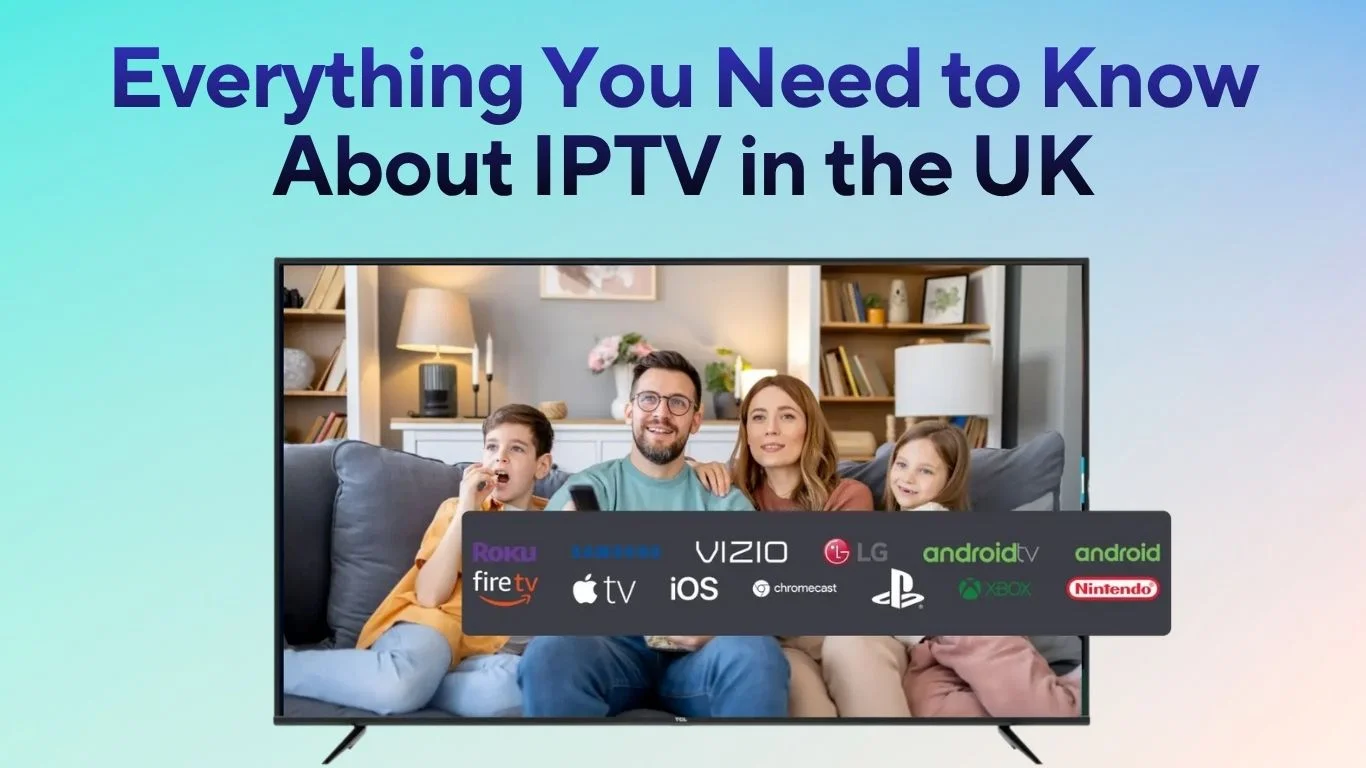
Television in the UK has changed faster in the past few years than ever before. More people are moving away from traditional satellite and cable subscriptions, turning instead to IPTV or Internet Protocol Television.
IPTV delivers live channels and on-demand content using your internet connection instead of satellite signals or aerials. As faster broadband becomes available across Britain, IPTV has quickly become the preferred choice for viewers who want more control, flexibility, and value for money.
This guide explains how IPTV works, why it’s so popular in the UK, what devices you can use, and how to make sure you’re using it legally.
Understanding IPTV and How It Works
IPTV is a system that uses the internet to deliver television channels and video content. Rather than using broadcast towers or cables, programmes are streamed to your device from secure servers.
When you click on a channel or film, the stream begins immediately, no downloading required. You can watch IPTV on almost any internet-enabled device, including smart TVs, Android TV boxes, Fire Sticks, tablets, or laptops.
In short, IPTV brings traditional live television and modern streaming together, giving you complete control over how and when you watch.
Why IPTV Is So Popular in the UK
The British audience loves flexibility, and IPTV offers exactly that.
Many UK households are choosing IPTV because it is cost-effective, easy to use, and offers more choice than standard TV subscriptions. Instead of paying for bundled channels, you can pick packages that match your interests, from live sports and entertainment to films and international news.
Another reason IPTV is thriving in the UK is its multi-device compatibility. You can start watching on your television, pause, and continue on your smartphone or tablet all within seconds.
And since most IPTV services operate on a month-to-month basis, there are no long-term contracts or expensive setup fees.
Different Types of IPTV Services
IPTV services in the UK usually fall into three main categories:
Live TV Streaming: Watch real-time television just like you would with Freeview or Sky, but through the internet.
Video on Demand (VOD): Access an entire library of films, series, and documentaries whenever you like.
Catch-Up TV: Revisit programmes you missed from popular UK broadcasters such as BBC, ITV, and Channel 4.
Many IPTV platforms offer all three types in one subscription, combining the best of live and on-demand entertainment.
Setting Up IPTV in the UK
One of the biggest advantages of IPTV is its simple setup. You don’t need special cables or satellite dishes. All you need is a reliable internet connection and a device that supports IPTV apps.
Smart TVs already have IPTV applications built in or available for download. Android boxes and Fire Sticks are also popular choices among UK users. After installing your chosen IPTV app, log in with your subscription details or upload your playlist link, and you’re ready to stream.
For those who prefer watching on a laptop, smartphone, or tablet, IPTV works just as smoothly through browser-based or mobile applications.
Internet Speed and Streaming Quality
A good internet connection makes all the difference. In most parts of the UK, fibre broadband ensures that streaming is smooth and stable.
To enjoy standard definition, you need at least 3–5 Mbps of bandwidth. For high definition, aim for 10 Mbps or more. If you plan to stream 4K Ultra HD, a minimum of 25 Mbps is recommended.
Using a wired connection or a high-quality Wi-Fi router can also help reduce buffering, especially during peak hours or live events.
Is IPTV Legal in the UK?
Yes — IPTV is completely legal in the UK, provided you’re using a licensed service. Legitimate IPTV providers pay for broadcasting rights and distribute content legally.
However, some unlicensed providers stream copyrighted channels and films without permission. These services may seem cheaper, but they operate outside UK copyright law. Using or promoting them could lead to fines or account suspension.
Always choose a provider that clearly states its licensing information and complies with UK regulations.
Benefits of IPTV
IPTV brings together the best of internet technology and television viewing.
You can personalise your channel list, pause or rewind live shows, and build your own library of on-demand favourites. The wide selection of international and UK-based channels means you’ll never run out of content.
It’s also more affordable than traditional satellite packages because there’s no need for installation or rental hardware. Most IPTV services deliver crisp HD or 4K streams, giving you a cinema-quality experience from your living room.
Comparing IPTV and Traditional TV
| Feature | IPTV | Traditional TV |
|---|---|---|
| Delivery Method | Internet streaming | Satellite or cable |
| Flexibility | Watch anytime | Fixed broadcast schedule |
| Setup | Simple, app-based | Requires dish or cables |
| Cost | Usually lower | Often higher |
| Content Variety | Global channels and VOD | Limited regional content |
| Device Access | TV, phone, tablet, laptop | Mainly TV only |
The difference is clear: IPTV offers flexibility, choice, and affordability that traditional television can’t match.
Choosing the Right IPTV Service in the UK
When searching for the best IPTV experience, focus on quality and reliability.
Look for a service that offers your preferred UK and international channels in HD quality, with a well-organised electronic programme guide. A large VOD library adds extra value.
Always read customer reviews to gauge user satisfaction and ensure there is proper customer support. Many reputable IPTV services also provide a free trial period — a great way to test streaming quality before subscribing.
Challenges of Using IPTV
While IPTV has many benefits, there are a few things to consider.
Because IPTV depends on your internet speed, any network issue can cause buffering or interruptions. Data usage is another factor; streaming in HD or 4K can consume significant data if you have a limited broadband plan.
Another common challenge is finding reliable providers. Some unlicensed services disappear suddenly, taking your subscription with them. Always use legitimate, well-reviewed platforms to avoid such risks.
The Future of IPTV in the UK
The future of IPTV in Britain is bright. As 5G networks and full-fibre connections continue to expand, IPTV will become even faster and more interactive.
Expect smarter content recommendations powered by artificial intelligence, voice-controlled navigation through assistants like Alexa or Google Home, and enhanced viewing options such as picture-in-picture or cloud recording.
With traditional television audiences declining year by year, IPTV is set to become the primary way people in the UK watch TV by the end of the decade.
IPTV and the Changing Media Landscape
The rise of IPTV reflects the broader shift toward digital streaming. Younger audiences are turning away from scheduled television, preferring the flexibility of on-demand platforms.
Broadcasters such as the BBC and ITV have adapted by expanding their online services like BBC iPlayer and ITVX, offering viewers hybrid models that combine traditional broadcasting with IPTV-style streaming.
This digital transformation is reshaping how entertainment is produced, delivered, and consumed across the UK.
FAQs About IPTV in the UK
What is IPTV in the UK?
IPTV, or Internet Protocol Television, delivers live and on-demand TV through an internet connection instead of Satellite or cable. It works on smart TVs, Fire Sticks, mobile phones, and computers across the UK.
Is IPTV legal in the UK?
Licensed IPTV services that have broadcasting rights are legal. Using or promoting unlicensed IPTV providers that distribute copyrighted content without permission is illegal under UK law.
What internet speed is required for IPTV?
For smooth streaming, you’ll need around 5 Mbps for HD and 25 Mbps for 4K Ultra HD. Fibre broadband ensures the best results with no buffering.
Can I use IPTV on more than one device?
Yes. Most services allow multiple connections so that you can watch on your TV, phone, or tablet at the same time. Always check your provider’s connection limit before subscribing.
How do I set up IPTV at home?
All you need is an internet connection, an IPTV app such as Smart IPTV or TiviMate, and your subscription login or playlist link. Once installed, you can start streaming immediately.
Why are so many UK viewers switching to IPTV?
Because IPTV is flexible, affordable, and packed with choice, it lets viewers access hundreds of channels and films without long contracts, expensive equipment, or installation fees.
Conclusion
IPTV has revolutionised how the UK watches television. It gives viewers control, flexibility, and a wider range of content without the high costs or restrictions of traditional TV.
By choosing a legitimate provider and ensuring a strong internet connection, IPTV can offer an affordable, high-quality alternative for households across Britain.
Whether you enjoy live sport, news, or films on demand, IPTV is the smarter, modern way to watch TV in the UK.
Iptv Guide
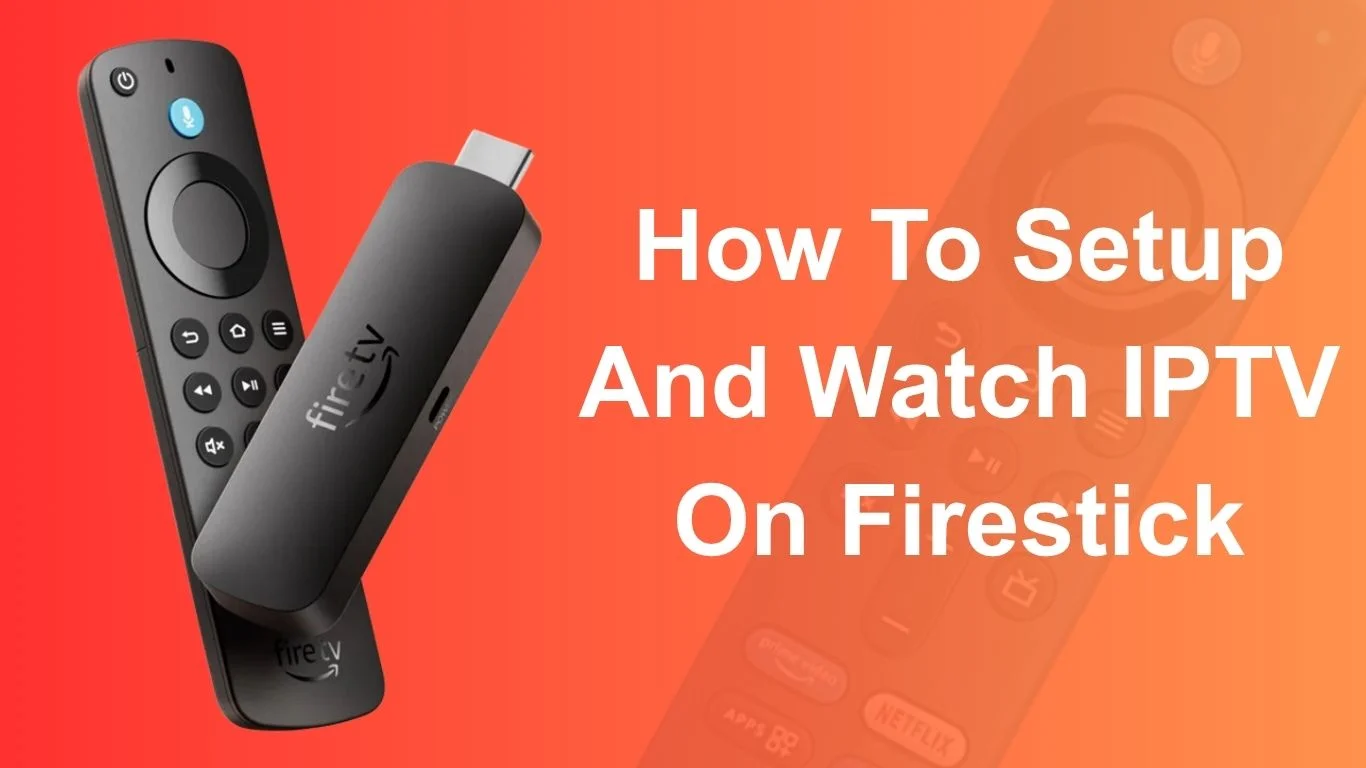
Setting up and watching IPTV on Firestick is one of the simplest and most efficient ways to stream live TV, films, and on-demand shows in the UK. Whether you’re new to IPTV or switching from cable, this guide will walk you through everything you need to know, from installation to safe streaming. You’ll learn how to configure your Firestick, install the right player, add your IPTV playlist, and enjoy smooth viewing without complications.
This tutorial focuses on helping UK users setup and watch IPTV on Firestick safely and legally, without promoting or mentioning any specific IPTV provider.
Understanding IPTV on Firestick
IPTV (Internet Protocol Television) allows users to watch television channels through an internet connection rather than through a satellite or cable provider. When combined with a Firestick, IPTV offers an affordable and flexible way to access a wide variety of content, from live sports to news and entertainment.
What makes Firestick an excellent choice for IPTV is its compatibility with multiple apps, compact design, and easy setup process. Even if you’re not tech-savvy, you can get IPTV running on your Firestick within minutes.
What You Need Before Setting Up IPTV
Before you begin, ensure that you have the following essentials ready for a smooth setup process:
Stable Internet Connection
A reliable, high-speed internet connection is crucial for seamless IPTV playback. Aim for at least 20 Mbps for HD content and 40 Mbps for 4K quality.
Amazon Firestick Device (Any Generation)
Whether you have a Fire TV Stick, Firestick 4K, or Fire TV Cube, all versions support IPTV applications. Ensure the device is updated to the latest Fire OS version.
IPTV Subscription or Playlist File
You’ll need an M3U URL or playlist file, which contains the channel list and streaming links. Always obtain this legally and from verified sources to stay compliant with UK regulations.
👉 Get Your IPTV UK Subscription Now
Step-by-Step Guide to Setup and Watch IPTV on Firestick
Step 1: Prepare Your Firestick
To install IPTV applications, a few settings need to be adjusted.
Enable Apps from Unknown Sources
- Go to Settings → My Fire TV → Developer Options.
- Select Install unknown apps.
- Turn it on for the “Downloader” app.
Update Firestick Software
Keeping the software updated ensures better compatibility and fewer glitches.
Navigate to Settings → My Fire TV → About → Check for Updates.
Step 2: Install a Media Player App
You’ll need an IPTV player to view content.
Using the Downloader App for Installation
- From the Firestick home screen, open Downloader.
- Enter the official download link of a trusted IPTV player.
- Follow the prompts to install it.
Configuring the IPTV Player
Once installed, open the app and accept the necessary permissions. It’s now ready to receive your IPTV playlist.
Step 3: Add Your IPTV Playlist or M3U URL
How to Enter Playlist Details Correctly
- Open your IPTV player.
- Go to Settings → Add Playlist.
- Enter your M3U URL or upload the file directly.
- Save the configuration.
Organising Channels and Categories
Many apps allow you to sort channels by genre, country, or language. This helps create a more personalised viewing experience.
Step 4: Watch IPTV on Firestick
Navigating the Interface
Once your playlist loads, browse the categories to find live TV, movies, or series. Use the Firestick remote to scroll and select channels.
Adjusting Playback Settings
If you face lag or buffering, lower the video quality or clear the cache within the app settings.
Troubleshooting Common IPTV Issues
Buffering or Freezing Problems
This usually occurs due to weak internet or overcrowded servers. Restart your router or switch to a wired connection using an Ethernet adapter.
Channels Not Loading or Missing
Recheck your playlist link and refresh it. Ensure the IPTV service is active and not expired.
App Crashing or Not Responding
Uninstall and reinstall the app or clear its data under Firestick settings.
Tips to Improve IPTV Performance on Firestick
- Use a VPN for Secure Streaming: Protect your privacy and prevent ISP throttling by using a reliable VPN service.
- Keep Cache Clean and Device Updated: Regularly clear the cache to free up space and improve performance.
- Use an Ethernet Adapter for Better Speed: A wired connection provides more stability than Wi-Fi.
Legal and Safe IPTV Usage in the UK
Understanding Legal Boundaries
Streaming IPTV is legal as long as the content is properly licensed. Avoid accessing pirated or unverified streams.
Avoiding Unverified IPTV Sources
Stick to reputable sources to avoid malware and potential data theft. For reference, read the Ofcom Guidelines On Online Streaming.
Alternative Ways to Watch IPTV on Firestick
Casting from Mobile or PC
If you prefer, you can stream IPTV by mirroring your mobile or PC screen using Firestick’s “Display Mirroring” feature.
Using Kodi as an IPTV Player
Kodi is an open-source media centre that supports IPTV add-ons, allowing you to integrate M3U playlists easily.
Frequently Asked Questions
1. Is IPTV legal to use in the UK?
Yes, as long as you access officially licensed content.
2. Can I install IPTV on older Firestick models?
Yes, IPTV apps work on all Firestick versions, though performance may vary.
3. Do I need a VPN to watch IPTV on Firestick?
A VPN enhances privacy and helps avoid ISP restrictions, making it highly recommended.
4. Why is my IPTV buffering frequently?
This can be due to slow internet or server overload. Try restarting your router or lowering stream quality.
5. Can I use IPTV without an M3U URL?
No, you need a valid playlist or account credentials to stream channels.
6. Is it safe to sideload IPTV apps on Firestick?
Yes, provided the app source is legitimate and virus-free.
Conclusion: Enjoy Smooth IPTV Streaming on Firestick
Setting up and watching IPTV on Firestick is simple, fast, and flexible. With the right steps, you can transform your TV into a powerful streaming centre that caters to all your entertainment needs. Remember to follow UK streaming laws, use secure apps, and maintain a strong internet connection for the best experience.
Iptv Guide
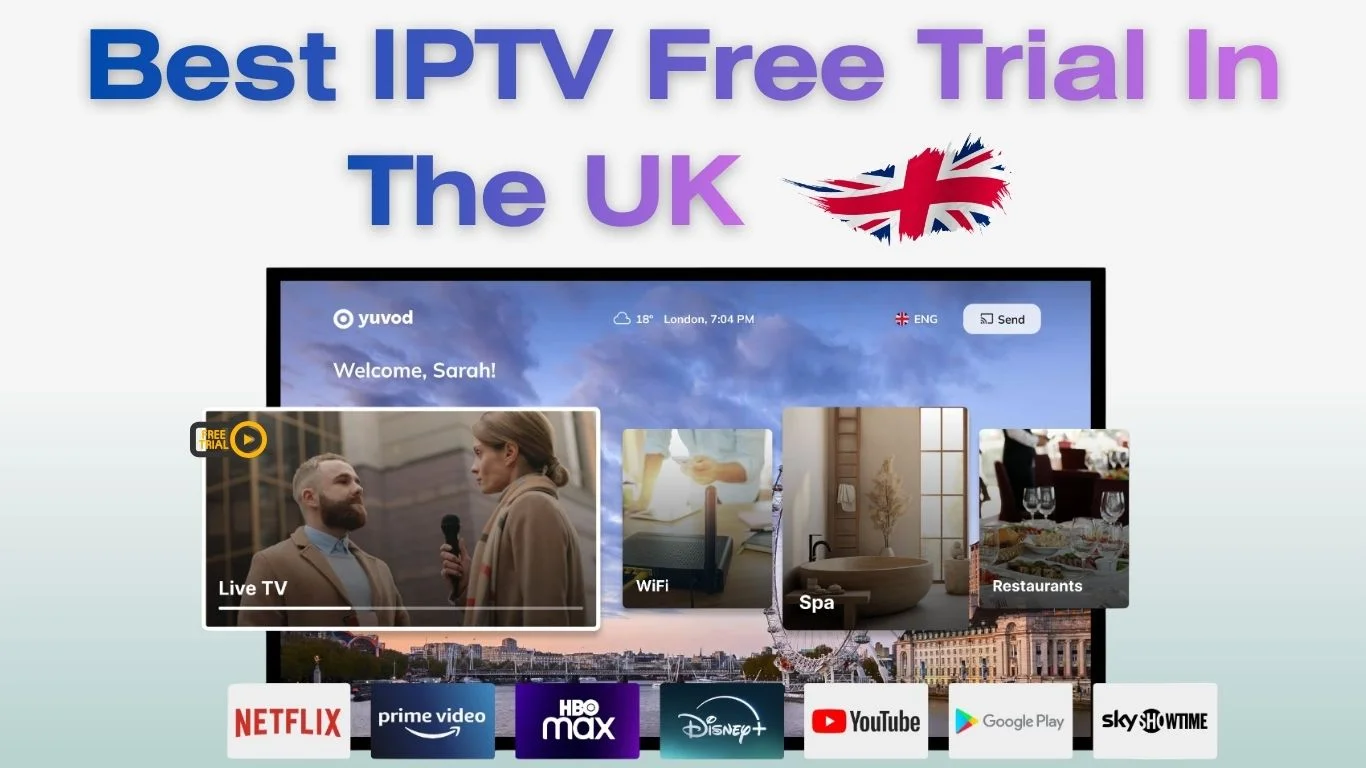
In 2025, more UK viewers are switching to IPTV for affordable, flexible, and high-quality entertainment. An IPTV free trial is the perfect way to explore the service before committing to a subscription. It lets you test channels, streaming quality, and device compatibility all without paying a penny.
This guide explains how IPTV free trials work, what to look for, and how to ensure you’re using a legal and secure service.
What Is IPTV and How Does It Work?
IPTV (Internet Protocol Television) is a modern way to stream TV content using the internet instead of traditional satellite or cable connections. Viewers can access live TV, on-demand films, sports, and shows directly through their devices, including Smart TVs, Firesticks, Android boxes, laptops, or mobile phones.
Difference Between IPTV and Traditional TV
Traditional television relies on broadcasting signals through satellites or cables. IPTV, on the other hand, delivers content through data packets over the internet. This allows on-demand viewing, pause-and-rewind features, and access to a much wider range of channels often at a lower cost.
Understanding IPTV Free Trials
An IPTV free trial gives users short-term access to a full or limited version of an IPTV service. Most trials allow users to explore the channel lineup, streaming quality, and interface before paying for a plan.
How Long Do IPTV Free Trials Usually Last?
Most IPTV free trials last between 24 hours and 7 days. Shorter trials help you quickly check picture quality and stability, while longer ones let you explore advanced features like catch-up TV or on-demand libraries.
What Features Can You Test During a Free Trial?
- Access to live TV and sports channels
- On-demand shows and films
- Electronic Programme Guide (EPG)
- HD or 4K streaming quality
- Multi-device compatibility
Why UK Users Prefer IPTV Free Trials Before Subscribing
For UK viewers, an IPTV free trial is a smart way to ensure value for money. You can check if your favourite sports channels, films, and entertainment options are included, all before paying anything.
To learn how to install, test, and stream IPTV safely in the UK, read our complete IPTV setup and safety guide for step-by-step instructions and expert tips.
Testing Channel Line-up and Picture Quality
Many people use free trials to test popular UK and international channels. Look for HD or 4K options and note whether streaming remains smooth during peak hours.
Verifying Device Compatibility
Before subscribing, it’s essential to confirm whether the IPTV service works on your preferred device, such as a Fire TV Stick, Smart TV, or smartphone. Some services also offer web player access for laptops.
Evaluating Customer Support and Reliability
During your trial, test how quickly the support team responds to queries. Reliable customer service is a strong sign of a trustworthy provider.
Legal and Safe Use of IPTV Free Trials in the UK
Not all IPTV services are legitimate. UK users should always ensure that their chosen IPTV free trial operates legally and respects copyright laws.
Avoiding Illegal or Risky IPTV Services
Be cautious of sites offering thousands of premium channels for suspiciously low prices or without proper company information. These may host copyrighted material illegally.
Checking Privacy and Data Protection
When signing up for a free trial, avoid sharing personal banking details or unnecessary information. Look for websites with secure HTTPS connections and transparent privacy policies.
How to Get an IPTV Free Trial in 2025 (Step-by-Step)
Finding Reputable IPTV Trial Offers
Search for UK-based IPTV trial offers through legitimate tech blogs or review platforms. Avoid random links from social media or unverified Telegram groups.
Signing Up Without Sharing Card Details
Prefer trials that don’t ask for card information upfront. This ensures you won’t be charged automatically after your free period ends.
Top Features to Look For During Your IPTV Free Trial
FeatureWhy It Matters
Channel variety ensures access to your favourite shows and sports
Streaming quality determines how stable and clear your viewing experience is
On-demand library offers flexibility to watch anytime
Multi-device support works seamlessly across Smart TVs, mobiles, and laptops
Common Issues During IPTV Free Trials and How to Fix Them
Internet Speed Requirements
For smooth HD streaming, your broadband should be at least 10 Mbps. For 4K content, aim for 20–25 Mbps. Slow speeds cause buffering and poor video quality.
Checking Server Location for UK Viewers
Choose an IPTV service with UK-based servers for faster, more stable streaming and better access to local content.
Tips to Make the Most of Your IPTV Free Trial
- Explore live channels, movies, and on-demand shows.
- Check if subtitles and playback options work properly.
- Compare stream quality at different times of the day.
- Make notes about the user interface and EPG.
Alternatives to IPTV Free Trials in the UK
If you prefer official streaming options, UK viewers can explore:
- BBC iPlayer – for on-demand British content.
- ITVX – live channels and exclusive UK shows.
- Freeview Play – combines free-to-air channels with streaming apps.
These platforms are entirely legal and free to use.
FAQs About IPTV Free Trial
1. Is an IPTV free trial legal in the UK?
Yes, as long as the provider operates within UK copyright laws and offers legitimate content.
2. How long does an IPTV free trial usually last?
It typically lasts between 1 and 7 days.
3. Do I need to provide payment details for a free trial?
Not always. Some legitimate trials require no card information.
4. Can I use IPTV on multiple devices during the trial?
Yes, most trials allow streaming on various devices like Smart TVs, Fire TV Sticks, and mobiles.
5. What should I check during a free trial?
Focus on stream quality, channel selection, and ease of use.
6. What happens after my free trial ends?
Access usually stops automatically unless you choose to subscribe.
Conclusion: Is an IPTV Free Trial Worth It in 2025?
Absolutely. For UK viewers, an IPTV free trial is an ideal way to explore live TV, movies, and sports without spending money upfront. Just ensure you choose a safe, legal, and reputable provider. A short trial can save you from long-term disappointment and help you find the perfect IPTV experience for your home entertainment setup.
For more information on UK streaming regulations, you can visit Ofcom’s official website.
Simple, Transparent Pricing
Choose the plan that works best for you. All plans include our 30-Day Money-Back Guarantee.
Limited Time Flash Sale!
Prices will return to normal after the timer ends.
Monthly
Perfect for trying out our service
-
28,000+ Live TV Channels
-
Full HD & 4K Quality
-
7-Day Catch Up
-
VOD Library (Movies & Series)
-
Use on 1 Device
-
24/7 Support via WhatsApp
3 Months
Great value for short term
-
28,000+ Live TV Channels
-
Full HD & 4K Quality
-
7-Day Catch Up
-
VOD Library (Movies & Series)
-
Use on 2 Devices Simultaneously
-
24/7 Support via WhatsApp
-
Save over 20% vs Monthly
Annual
Best value for loyal customers
12 Months + 2 Months FREE
-
28,000+ Live TV Channels
-
Full HD & 4K Quality
-
7-Day Catch Up & Recording
-
Premium VOD Library (Updated Daily)
-
Use on 3 Devices Simultaneously
-
VIP 24/7 Support
-
Save over 60% vs Monthly
-
Free Setup Assistance
Quarterly
Popular choice for commitment
-
28,000+ Live TV Channels
-
Full HD & 4K Quality
-
7-Day Catch Up & Recording
-
Extensive VOD Library
-
Use on 2 Devices Simultaneously
-
Priority 24/7 Support
-
Early access to new features
Secure Payment Options
We accept various secure payment methods for your convenience.
Ready for a Longer Test Drive?
Experience the full power of 4K Subscription IPTV with our exclusive 24-hour free trial. Access all 28,000+ channels, VOD, and premium features with no obligation. It's the perfect way to see why we're the UK's favourite IPTV provider!
Contact Us
Have questions or need assistance? We're here to help!
Get in Touch
Email Us
contact@4kukiptv.shop
Available 24/7
Call Us
+447424116014
Available 24/7
Live Chat
Available on our website
Response time: Under 5 minutes
Our Hours
Customer Support: 24/7
Sales Department: Mon-Fri, 9am-6pm GMT
Technical Support: 24/7
