Iptv Playlist
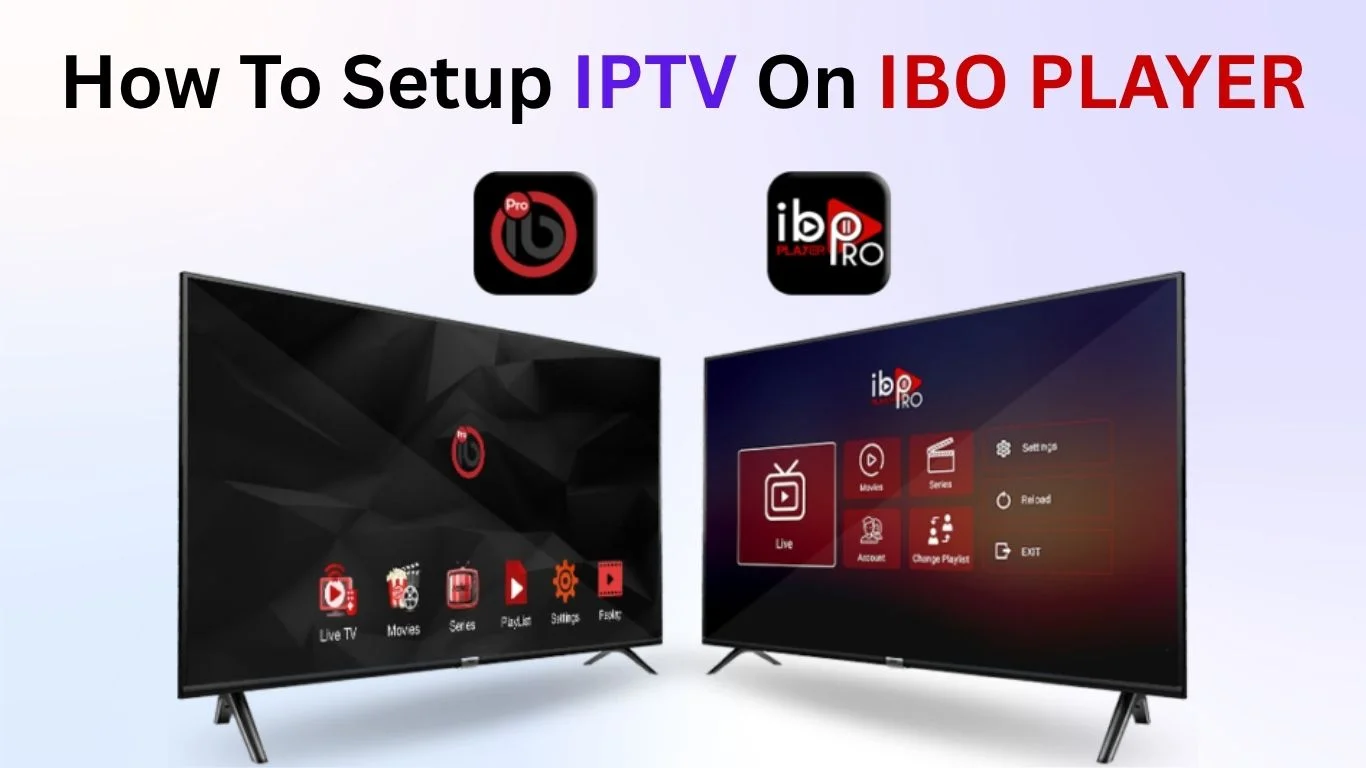
IBO Player has quickly become one of the most popular media players for IPTV enthusiasts worldwide. Whether you enjoy movies, TV series, live sports, or global entertainment channels, this powerful app gives viewers total control over their streaming experience. Right from the start, it’s important to understand one thing: IBO Player is only a media player, NOT a provider of IPTV content or playlists. This means it doesn’t sell channels, subscriptions, or any copyrighted material.
Still, IBO Player has gained massive attention because of its smooth performance, smart interface, and wide compatibility across devices. Viewers who depend on IPTV services find it especially helpful because it supports advanced formats, stable playback, and simple playlist management.
Key Features of IBO Player
One of the biggest reasons IPTV viewers prefer IBO Player is its impressive list of features. Unlike many basic IPTV apps, this player focuses on versatility, user experience, and universal compatibility.
Wide File Format Support
IBO Player works with almost every modern audio and video format. Whether you’re streaming HD channels, movies, or catch-up content, the player handles them smoothly.
User-Friendly Interface
Its clean layout makes navigation easy even for new users. No complicated menus. No confusing settings. Everything is arranged clearly.
Customization Options
Users can customize:
- Screen layout
- Audio settings
- Themes
- Playback preferences
This allows each viewer to create a personalized streaming environment.
Device Flexibility
IBO Player works on:
- Smart TVs
- Smartphones
- Tablets
- Android streaming devices
Your entertainment follows you anywhere.
IBO Player Classic vs IBO Player Pro
There are two versions of IBO Player, which causes a bit of confusion for new users.
1. IBO Player Classic
Available at: iboiptv.com
This is the older but more widely compatible version. Many older smart TVs still depend on it because they cannot run newer apps.
2. IBO Player Pro
Available at: iboplayer.pro
This version has:
- A modern interface
- Faster performance
- Updated UI elements
But… some older TVs cannot install it due to outdated firmware.
This article focuses mainly on the Classic version, but the same setup steps apply to IBO Player Pro as well.
Full Features & Compatibility Overview
IBO Player stands out for one important reason: global compatibility. No matter where you live or what device you use, the player likely works for you.
Supported Devices
IBO Player supports:
- Samsung Smart TVs
- LG WebOS TVs
- Android TVs
- Fire TV Stick
- Smartphones (Android / iOS)
(Mobile support may vary depending on the version)
IPTV Playlist Support
IBO Player does not provide content, but it allows users to upload playlists from:
- IPTV providers
- M3U playlists
- Xtream Codes API
- Local or cloud sources
Smart TV & Mobile Integration
You can start watching on your TV… then switch to your phone instantly. This flexibility is one reason the app is so popular.
Major Capabilities of IBO Player
Here’s what makes the player truly powerful:
- Organize multiple playlists
- Sort channels by groups
- View TV guides (EPG)
- Customize appearance
- Fast channel zapping
- Smooth HD/4K playback
These features make IBO Player one of the top media player choices in the IPTV industry.
IBO Player for IPTV Subscribers
Because IBO Player is a media player, you must bring your own playlist. IPTV providers like IPTV UK offer complete setup guides, subscription plans, and M3U playlists that work smoothly with IBO Player.
IBO Player simply plays the content; it does not host or manage the channels itself.
How to Upload Your Playlist on IBO Player
Here is the step-by-step guide for beginners.
Step 1: Visit the Playlist Portal
Step 2: Install IBO Player on Your TV
Open your TV’s app store and search for IBO Player.
Step 3: Retrieve Your MAC & Device Key
After installation, the app displays:
- Your MAC address
- A device key
Step 4: Add Your M3U Playlist
Paste the M3U URL from your provider. Example:
username=244WD55226dg&password=1122334455&type=m3u_plus&output=ts
Name your playlist anything you like.
Step 5: Restart the App
Once saved, restart IBO Player on your TV.
Your channels should now appear.
Become an IBO Player Reseller
If you run an IPTV business, you can become an official IBO Player Reseller and sell activation codes. This helps resellers offer customers a complete experience: IPTV service + activation code for their preferred media player.
Interested resellers typically contact the provider via WhatsApp for details.
Avoid Scams
With IPTV growing rapidly, scam websites are everywhere. Here’s what to avoid:
- Fake activation pages
- Websites claiming to "sell IBO Player subscriptions"
- IPTV dealers pretending to be IBO Player
Reminder:
IBO Player does NOT accept payments outside official channels.
IBO Player Compared to Other IPTV Apps
IBO Player stands strong among well-known competitors:
- SmartOne IPTV
- NetIPTV
- SS IPTV
- Smart IPTV
- IPTV Smarters Pro
All perform similarly, but IBO Player is popular for its:
- Clean UI
- High stability
- Strong compatibility
However, after comparing many apps, some
IPTV Service Providers recommend
Hot IPTV as the most complete alternative for customers.
IBO Player Pricing
IBO Player offers:
- ✔ 7-day free trial
- ✔ $10 lifetime activation
This makes it one of the most affordable IPTV media players in 2025.
FAQs About IBO Player
1. Does IBO Player provide IPTV channels?
No. It is only a media player.
2. Can I use multiple playlists?
Yes, you can upload more than one playlist.
3. Does IBO Player support 4K?
Yes, if your device supports 4K playback.
4. Do I need to activate the app?
After 7 days, yes. The lifetime cost is $10.
5. Is IBO Player safe?
Yes, as long as you use official websites.
6. Can I transfer activation to another device?
No. Each device requires its own activation.
Conclusion
IBO Player remains one of the most flexible, reliable, and user-friendly IPTV media players available today. It works on almost any device, supports a wide range of formats, delivers smooth playback, and is simple enough for anyone to set up. Just remember: it’s only a media player; your IPTV provider supplies the content.
If you stick to official activation channels and trustworthy playlist providers, you’ll have an outstanding viewing experience.
Iptv Playlist

Have you ever determined yourself to look at identical antique stations on TV, anticipating seeing something clean and interesting? The realm of television has grown beyond the remote to your palm, and it’s all taking place on an IPTV GitHub platform. Consider a region where you may browse via heaps of channels from all over the world without the need for a satellite TV for a PC dish or a steeply-priced cable subscription. That is what IPTV GitHub offers! It’s just like a huge virtual library with unlimited lists of TV stations, and guess what? You can get to the whole lot with just a few clicks.
In this text, we’ll give an explanation of what IPTV GitHub is, a way to use it to view your preferred channels, and a way to keep it going for walks. So, let’s embark on this virtual journey together and discover the new age of TV!
What is IPTV on GitHub?
IPTV, which stands for Internet Protocol Television, is a method of transmitting television services over the Internet. Unlike conventional cable or satellite TV for PC systems, IPTV lets you move records directly over your internet connection, allowing you to access a myriad of channels from all over the world.
When you integrate the two, you have IPTV GitHub, a paradise for people looking to discover overseas TV channels.
IPTV Subscription is a repository that houses a huge number of IPTV channels that have been curated by way of a network of lovers. The genius of this combo is that it expands the idea of TV by putting global programming at your fingertips.
How to Access IPTV GitHub?
Starting the IPTV GitHub journey is like entering a new world of TV. Here’s how you could get started:
1. Creating a GitHub Account
If you’re new to GitHub, sign up for an account on the website.
It’s a simple process that asks you to go into your statistics and validate your email.
2. Navigating to the IPTV GitHub Repository
Once you’ve created your GitHub account, go to the IPTV GitHub repository by following the hyperlink supplied or simply searching for IPTV on GitHub.
There are a plethora of IPTV playlists available here, each supplying a distinct bouquet of channels. Please follow this link.
3. Choosing Your Favourite Playlist
The IPTV GitHub repository contains a considerable series of playlists organised by use of genre. Look through the selection and select a playlist that appeals to you.
4. Downloading the Playlist
After you’ve chosen your playlist, click on it to download the report.
This document offers connections to IPTV channels and is needed for content material streaming.
5. How to Use an IPTV Player
An IPTV player is needed to move the channels.
There are several IPTV players to be had, both free and paid. Download and set up the one that excellently matches your desires.
6. Playlist Loading
Load the downloaded playlist document into the IPTV player.
Voila! You might also now have access to a large number of channels from everywhere in the world.
Guaranteed Working: The IPTV GitHub Assurance
The collaborative nature of IPTV GitHub ensures that playlists are often up-to-date and reviewed to present a regular watching experience. The open-source component of GitHub permits collaborative verification, guaranteeing that the playlists run nicely.
The performance of IPTV GitHub may be affected by:
- Reliability of your internet connection
- Capabilities of your IPTV player
It’s a collaborative attempt to offer a pleasant sailing experience in the digital television ocean.
Troubleshooting Common Hurdles
1. Buffering or Poor Streaming Quality
- Examine your internet connection.
- Try another IPTV player.
- Update your playlist.
- Report issues on GitHub.
2. Certain Channels Are Unavailable
- Some channels may be region-restricted.
- Use a VPN if needed.
- Ensure your IPTV player supports the required formats.
Contributing to IPTV GitHub
The IPTV GitHub mission is based on community spirit. It’s a symbiotic environment in which you can both consume and provide.
Ways to Contribute
- Sharing New IPTV Playlists
- Reporting Problems
- Enhancing Existing Playlists
Embracing the Future of Television
The adventure through IPTV UK is more than actually finding numerous substances; it’s about becoming part of a digital movement that is transforming the television landscape.
Your involvement in IPTV GitHub is an active contribution to a community that is democratizing access to global television packages.
FAQs
Q1: What is IPTV GitHub?
A community-driven repository of IPTV playlists hosted on GitHub.
Q2: Is IPTV GitHub free?
Yes, playlists on GitHub are completely free.
Q3: Do all IPTV playlists work?
Not always. Some links break, but are updated by the community.
Q4: Is using IPTV GitHub legal?
The platform is legal, but individual streams depend on copyright.
Q5: Do I need a VPN?
Only for geo-blocked channels.
Conclusion
IPTV GitHub unlocks a world of global entertainment by offering a massive library of IPTV playlists curated by a passionate community. Whether you want international channels, niche content, or simply free access to diverse media, IPTV GitHub brings the future of TV straight to your fingertips without expensive cable packages or hardware.
