Iptv Uk Guide
Introduction
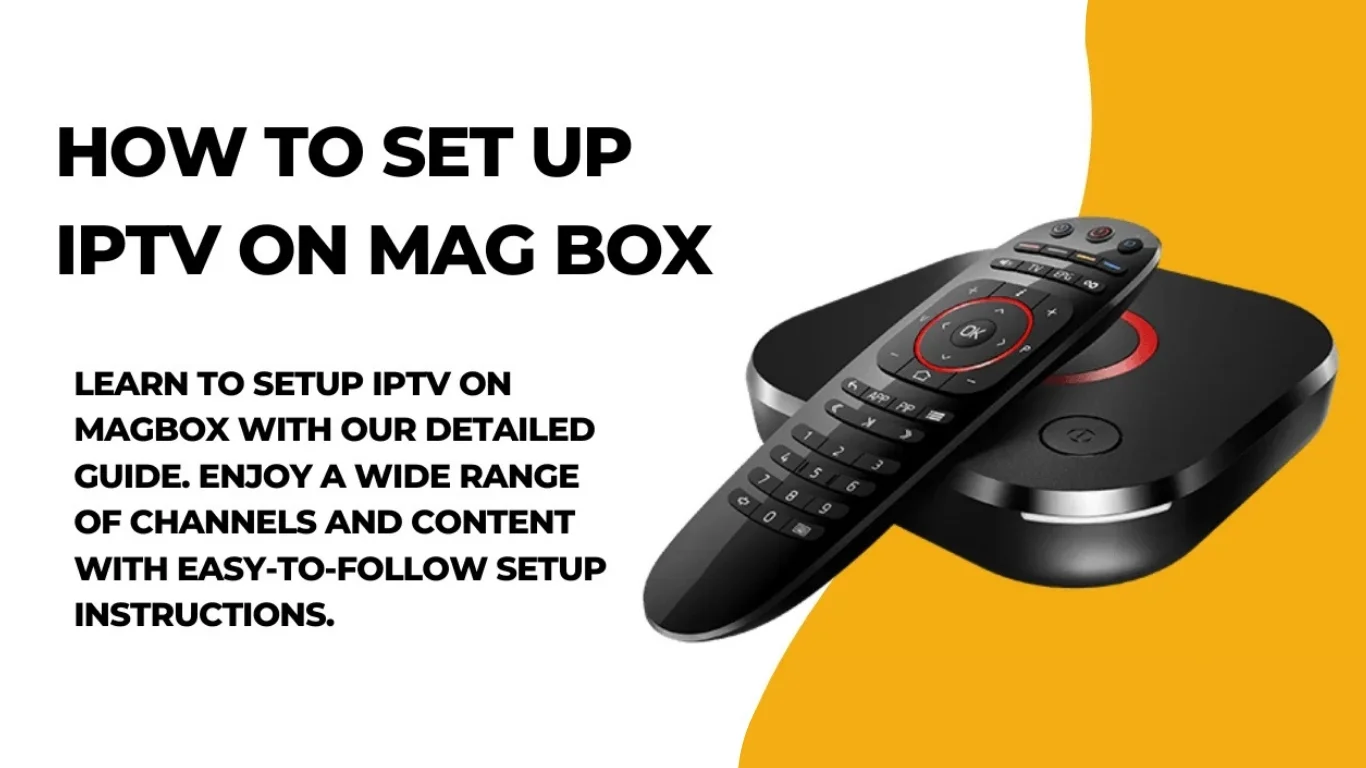
What Is a MAG Box?
Key Features of MAG Boxes:
- Supports 4K IPTV services for ultra HD streaming.
- Offers Ethernet and Wi-Fi connectivity.
- User-friendly interface ideal for beginners.
- Compatible with Stalker Middleware or Xtream Codes API.
- Fast boot time and minimal buffering.
Requirements Before Setting Up IPTV on MAG Box
- MAG Box (MAG 250, MAG 254, MAG 322, MAG 410, MAG 524, etc.)
- Stable Internet Connection (minimum 15 Mbps for HD/4K)
- TV or Monitor with HDMI port
- Subscription from a Reliable IPTV UK Provider
- Portal URL (provided by your IPTV service)
- Remote Control (comes with the MAG Box)
- Power Adapter and HDMI Cable
Step-by-Step Guide: How To Set Up IPTV on MAG Box
Step 1: Connect Your MAG Box to Your TV
- Plug one end of the HDMI cable into your MAG Box and the other into your TV.
- Connect the power cable and turn on the device.
- Use your TV remote to select the correct HDMI input.
Step 2: Connect to the Internet
- Wired Connection: Plug an Ethernet cable directly from your router to the MAG Box for a stable connection.
- Wireless Connection:
- Go to Settings > Network > Wireless (Wi-Fi)
- Select your Wi-Fi network and enter your password.
Step 3: Locate the MAC Address

- On the bottom of your MAG Box, or
- In Settings > System Info > Device Info.
Step 4: Configure the Portal URL
- Go to Settings > System Settings > Servers > Portals.
- You’ll see fields like:
- Portal 1 Name: (e.g., UK IPTV)
- Portal 1 URL: (enter the URL provided by your IPTV provider)
- Leave Portal 2 empty unless you have another provider.
- Press OK or Save, then reboot your device.
Step 5: Navigating the IPTV Interface
- Live TV Channels – categorized by genre or country.
- VOD (Video On Demand) – movies, TV shows, and documentaries.
- EPG (Electronic Program Guide) – schedules of upcoming programs.
- Settings – adjust subtitles, resolution, and audio options.
Step 6: Troubleshooting Common Issues
1. No Signal / Blank Screen
- Check HDMI cable connection.
- Ensure the correct HDMI input is selected on your TV.
2. Portal Not Loading
- Recheck your Portal URL for typos.
- Confirm your internet connection is stable.
- Restart both your router and MAG Box.
3. MAC Address Not Registered
- Ensure you’ve provided the correct MAC address to your provider.
- Contact your IPTV subscription support team for activation.
4. Buffering or Freezing Streams
- Switch to a wired Ethernet connection.
- Lower the video resolution.
- Use a VPN if your ISP throttles IPTV traffic.
Step 7: Update Firmware (Optional but Recommended)
- Go to Settings > System Settings > Software Update
- Choose Update Automatically or USB Update (if downloaded manually)
- Restart the box after updating.
Alternative Setup: Xtream Codes API (For Advanced Users)
- Server URL
- Username
- Password
- Go to Settings > Advanced Settings > Add Portal.
- Select Use Xtream Codes API.
- Enter your login credentials.
- Save and restart the box.
Benefits of Using IPTV on MAG Box
- High-Quality Streaming – Supports HD and 4K IPTV services.
- User-Friendly Interface – Easy navigation and instant channel loading.
- Reliable Performance – Designed specifically for IPTV streaming.
- Multiple Portal Support – Connects to multiple providers if needed.
- Parental Control and EPG Integration – Ideal for family use.
Best Practices for Smooth IPTV Experience
- Always use a wired connection for optimal stability.
- Avoid cheap or unverified IPTV links.
- Keep your device’s firmware updated.
- Reboot your MAG Box weekly to clear cache.
- Use VPN for privacy and improved streaming speeds.
FAQs: How To Set Up IPTV On MAG Box
Q1: Can I use any IPTV provider on a MAG Box?
Q2: What is the difference between Portal URL and Xtream Codes?
Q3: Do I need a VPN for IPTV?
Q4: Can I install apps on my MAG Box?
Q5: Why is my IPTV freezing?
Q6: Is IPTV legal in the UK?
Conclusion
Iptv Uk Guide
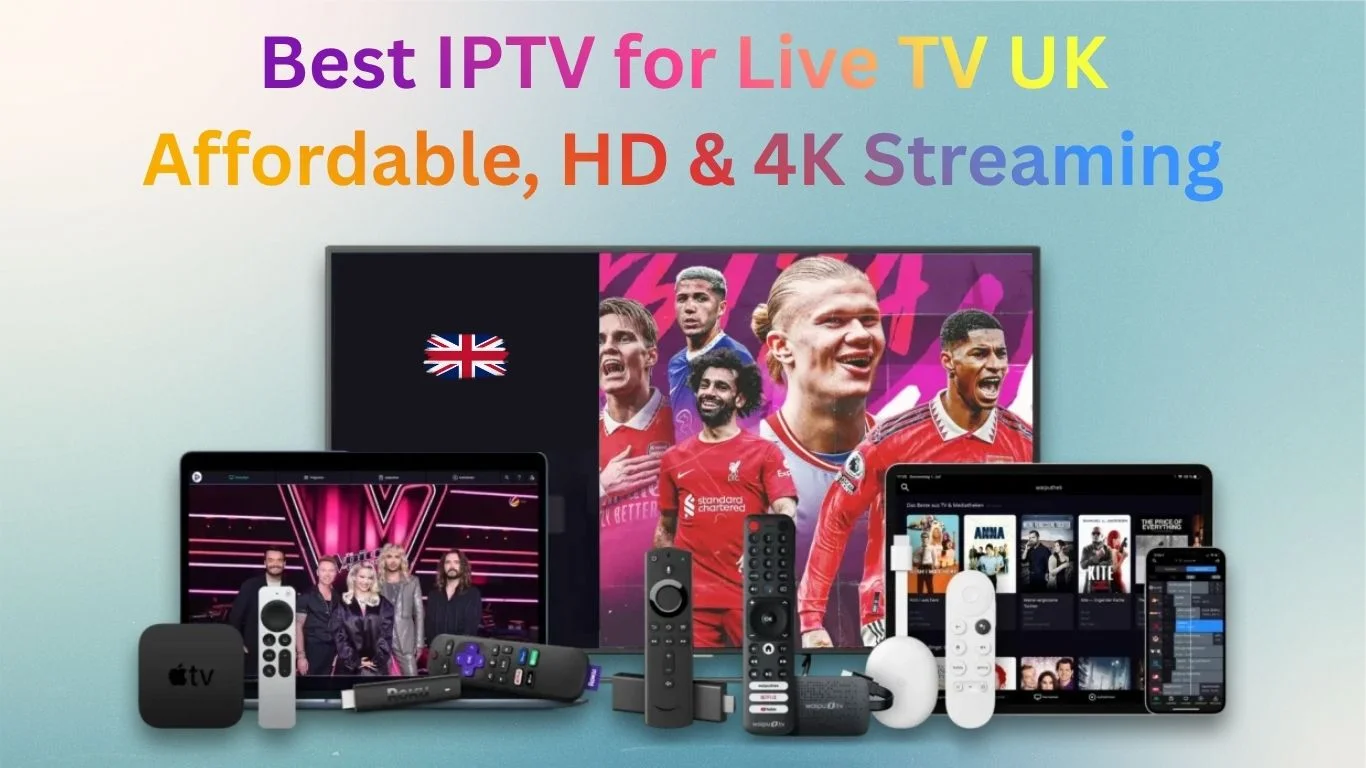
In today’s fast-paced digital world, people are no longer tied to traditional cable and satellite TV. Instead, millions of viewers in the UK are switching to IPTV UK services for a more flexible and cost-effective way to watch live TV. If you’re searching for the best IPTV for live TV UK, look no further than 4K UK IPTV. With affordable plans, high-quality streaming, and multi-device support, it has become the go-to IPTV solution for UK viewers.
👉
Visit 4K UK IPTV for more details.
What is IPTV and Why is It Popular in the UK?
IPTV (Internet Protocol Television) allows you to watch live
TV channels via the internet instead of relying on cable or satellite. This
means you can enjoy your favorite sports, news, movies, and entertainment
channels anytime, anywhere.
The popularity of IPTV UK has skyrocketed because:
- It
offers affordable subscription packages.
- Provides
access to international and UK-based TV channels.
- Works
across multiple devices, including smart TVs, Fire TV Stick, Android, and
iOS.
- Delivers
HD and 4K streaming quality.
4K UK IPTV takes IPTV to the next level by offering unmatched stability, fast servers, and exclusive sports coverage.
Don’t have a smart TV? No problem! Turn any TV into a smart one with the Fire TV Stick.
👉 Get your Fire TV Stick on Amazon today
Why Choose 4K UK IPTV as the Best IPTV for Live TV in the
UK?
There are many IPTV providers, but not all are reliable.
What makes 4K UK IPTV stand out as the best IPTV for live TV UK is its
features, customer support, and affordability.
- Wide
Range of Live TV Channels
Get access to UK-based and international channels, including sports, entertainment, movies, documentaries, and kids’ shows. - Superior
Streaming Quality
Say goodbye to buffering! With 4K UK IPTV, you’ll enjoy HD and 4K quality streaming for a smooth viewing experience. - Affordable
IPTV Packages
Unlike costly cable TV, 4K UK IPTV offers budget-friendly subscription plans for every type of viewer. - Multi-Device
Compatibility
Works perfectly across multiple devices: - Smart
TVs
- Fire
TV & Fire TV Stick
- Android
& iOS smartphones
- Laptops
& PCs
- Reliable
Customer Support
Enjoy 24/7 technical support, ensuring you never miss a show due to connection or setup issues.
How 4K UK IPTV Works
Watching live TV with 4K UK IPTV is simple:
- Choose
your subscription plan on the 4K UK IPTV website.
- Install
the recommended IPTV player on your device.
- Enter
your login details.
- Start
streaming and enjoy live UK channels instantly.
Top Features of 4K UK IPTV for Live TV
- Over 29,000+
live channels, including premium UK sports.
- Catch-Up
& On-Demand TV for ultimate flexibility.
- No
geographical restrictions – perfect for UK expats.
- Fast
& secure servers with 99.9% uptime.
Why IPTV is Better Than Cable in the UK
Traditional cable subscriptions are expensive and
restrictive. IPTV UK services like 4K UK IPTV offer:
- Lower
monthly costs
- More
channels from around the world
- Easy
setup with no installations
- Portability
– watch on any device, anywhere
Extra Benefits of Choosing 4K UK IPTV
- Perfect
for Sports Fans
Access all major sports channels, including Premier League, Champions League, Rugby, Cricket, Formula 1, and Boxing. - Entertainment
for Everyone
From movies and news to kids’ shows and documentaries, there’s something for the whole family. - Reliable
IPTV Servers
Enjoy uninterrupted streaming thanks to 4K UK IPTV’s high-speed servers with 99.9% uptime. - Instant
Activation
Get instant login details after purchase, no waiting, no hassle, no extra equipment.
How IPTV UK is Changing the Future of Television
IPTV UK services like 4K UK IPTV provide flexibility,
affordability, and global access. You can watch live TV and on-demand shows
anytime, anywhere, on mobile, tablet, or desktop.
Special Advantage for UK Expats
Living abroad? 4K UK IPTV gives UK expats access to
their favourite UK channels, sports, and news, no matter where they are.
FAQs About the Best IPTV for Live TV UK
Q1: Is IPTV legal in the UK?
Yes, subscribing to a licensed IPTV service like 4K UK IPTV is
completely legal.
Q2: Can I watch live sports?
Absolutely! Watch Premier League, Champions League, Rugby, and more.
Q3: Which devices are supported?
Smart TVs, Fire TV Stick, Android, iOS, laptops, and PCs.
Q4: Is there on-demand content too?
Yes, you get live TV, sports, movies, and on-demand series.
Q5: What internet speed is recommended?
For HD streaming, 10 Mbps; for 4K, 25 Mbps is ideal.
Q6: What if I face buffering issues?
24/7 support is available to resolve technical problems.
Conclusion
If you’re searching for the best IPTV for live TV UK, 4K
UK IPTV is your top choice. With premium streaming quality, affordable
pricing, and thousands of channels, it’s built for every UK viewer.
Say goodbye to expensive cable subscriptions, switch to 4K
UK IPTV today, and experience the future of live TV streaming.
👉
Visit 4K UK IPTV to explore packages and start watching instantly.
Iptv Uk Guide

Entertainment in the UK has entered a new digital era. Families no longer depend on costly satellite or cable TV with limited options. Instead, more viewers are opting for affordable IPTV subscriptions in the UK with premium channels, a modern way to enjoy unlimited entertainment at a low price.
From blockbuster movies and live sports to kids’ programming
and documentaries, IPTV delivers everything through the internet. Whether
you’re using a smart TV, Fire TV Stick, laptop, or smartphone, IPTV offers
flexibility and superior viewing quality.
Why Viewers Are Shifting from Traditional TV to IPTV
Traditional cable or satellite services often come with high
bills, long-term contracts, and limited control over your viewing options. In
contrast, IPTV offers users freedom and flexibility, allowing them to stream
content on their preferred devices at their convenience.
With the right subscription, you can access thousands of
live channels and on-demand shows without extra costs or technical hassle.
Key Benefits of IPTV for UK Viewers
- Flexibility:
Stream live channels or on-demand programs anytime.
- Cost
Savings: Get premium-quality entertainment at a fraction of
traditional TV prices.
- Variety:
Enjoy access to global content, sports, movies, news, and more.
- Convenience:
Works on multiple devices with simple installation.
What Makes IPTV Both Affordable and Premium
Cost-Effective Entertainment
An IPTV subscription in the UK makes premium channels
accessible without breaking the bank. Families can enjoy diverse content, from
Hollywood blockbusters to live Premier League matches, through a single plan.
Premium Channels Without Extra Fees
Unlike cable providers that charge extra for add-ons, many
IPTV plans include premium sports, movies, and entertainment channels at no
additional cost.
Top Features of a Reliable IPTV Subscription
1. High-Quality Streaming
Expect HD and 4K streaming with stable performance
and clear visuals. It’s perfect for watching sports, movies, or documentaries
in crisp detail.
2. Massive Channel Selection
A good IPTV subscription includes a vast UK channel list,
featuring:
- Popular
entertainment (BBC, ITV, Channel 4, and more)
- Sports
coverage (Premier League, Formula 1, Champions League)
- Movie
channels with the latest releases
- International
and regional content for diverse audiences
3. Multi-Device Compatibility
Watch your smart TV, Fire TV Stick, Android box, tablet,
or phone. Many services even allow simultaneous streaming across devices,
great for families.
4. Flexible Packages
Choose from monthly or yearly plans depending on your
budget. With no long contracts, you remain in control.
How IPTV Enhances Viewing Experience
On-Demand Access
Say goodbye to fixed TV schedules. Stream your favorite
shows, highlights, or series whenever you want.
No Hidden Charges
Pay only for your chosen plan, no surprise fees or
equipment rentals. Transparency is one of IPTV’s biggest advantages.
How to Choose the Best IPTV Subscription in the UK
When selecting a provider, consider:
- Reliable
uptime and minimal buffering
- High-quality
HD or 4K streaming
- Wide
channel selection
- 24/7
customer support
- Compatibility
with your preferred devices
Tip: Always verify that the provider holds
appropriate broadcasting rights to ensure your service is legitimate.
(For more info about legal IPTV options, check Ofcom’s official guide onbroadcasting and streaming.)
Why IPTV Is the Smart Choice for UK Households
- Budget-Friendly:
Stream premium entertainment without high monthly fees.
- All-Age
Content: From kids’ shows to live sports, movies, and global news,
there’s something for everyone.
- User-Friendly:
Modern IPTV apps feature intuitive navigation and instant channel
switching.
Frequently Asked Questions
1. What is IPTV?
IPTV stands for Internet Protocol Television, a technology that streams
live TV and on-demand content using your internet connection instead of
satellite or cable.
2. Is IPTV legal in the UK?
Yes, as long as the provider has the appropriate licenses and broadcasting
rights.
3. Can I watch IPTV on multiple devices?
Yes, many subscriptions allow simultaneous streaming on different devices under
one account.
4. How much does an affordable IPTV plan cost?
Depending on the features and duration, IPTV subscriptions in the UK typically
range between £13–£15 per month.
Conclusion
Switching to an affordable IPTV subscription in the UK
with premium channels is a smart move for modern households. It blends
flexibility, variety, and affordability, all while delivering a seamless
viewing experience.
Whether you’re a sports enthusiast, movie lover, or just
looking for reliable entertainment at home, IPTV offers Premium Quality without the Premium Price. Enjoy more control, more content, and more
convenience than ever before.
Simple, Transparent Pricing
Choose the plan that works best for you. All plans include our 30-Day Money-Back Guarantee.
Limited Time Flash Sale!
Prices will return to normal after the timer ends.
Monthly
Perfect for trying out our service
-
28,000+ Live TV Channels
-
Full HD & 4K Quality
-
7-Day Catch Up
-
VOD Library (Movies & Series)
-
Use on 1 Device
-
24/7 Support via WhatsApp
3 Months
Great value for short term
-
28,000+ Live TV Channels
-
Full HD & 4K Quality
-
7-Day Catch Up
-
VOD Library (Movies & Series)
-
Use on 2 Devices Simultaneously
-
24/7 Support via WhatsApp
-
Save over 20% vs Monthly
Annual
Best value for loyal customers
12 Months + 2 Months FREE
-
28,000+ Live TV Channels
-
Full HD & 4K Quality
-
7-Day Catch Up & Recording
-
Premium VOD Library (Updated Daily)
-
Use on 3 Devices Simultaneously
-
VIP 24/7 Support
-
Save over 60% vs Monthly
-
Free Setup Assistance
Quarterly
Popular choice for commitment
-
28,000+ Live TV Channels
-
Full HD & 4K Quality
-
7-Day Catch Up & Recording
-
Extensive VOD Library
-
Use on 2 Devices Simultaneously
-
Priority 24/7 Support
-
Early access to new features
Secure Payment Options
We accept various secure payment methods for your convenience.
Ready for a Longer Test Drive?
Experience the full power of 4K Subscription IPTV with our exclusive 24-hour free trial. Access all 28,000+ channels, VOD, and premium features with no obligation. It's the perfect way to see why we're the UK's favourite IPTV provider!
Contact Us
Have questions or need assistance? We're here to help!
Get in Touch
Email Us
contact@4kukiptv.shop
Available 24/7
Call Us
+447424116014
Available 24/7
Live Chat
Available on our website
Response time: Under 5 minutes
Our Hours
Customer Support: 24/7
Sales Department: Mon-Fri, 9am-6pm GMT
Technical Support: 24/7
