M3u Playlist
Introduction
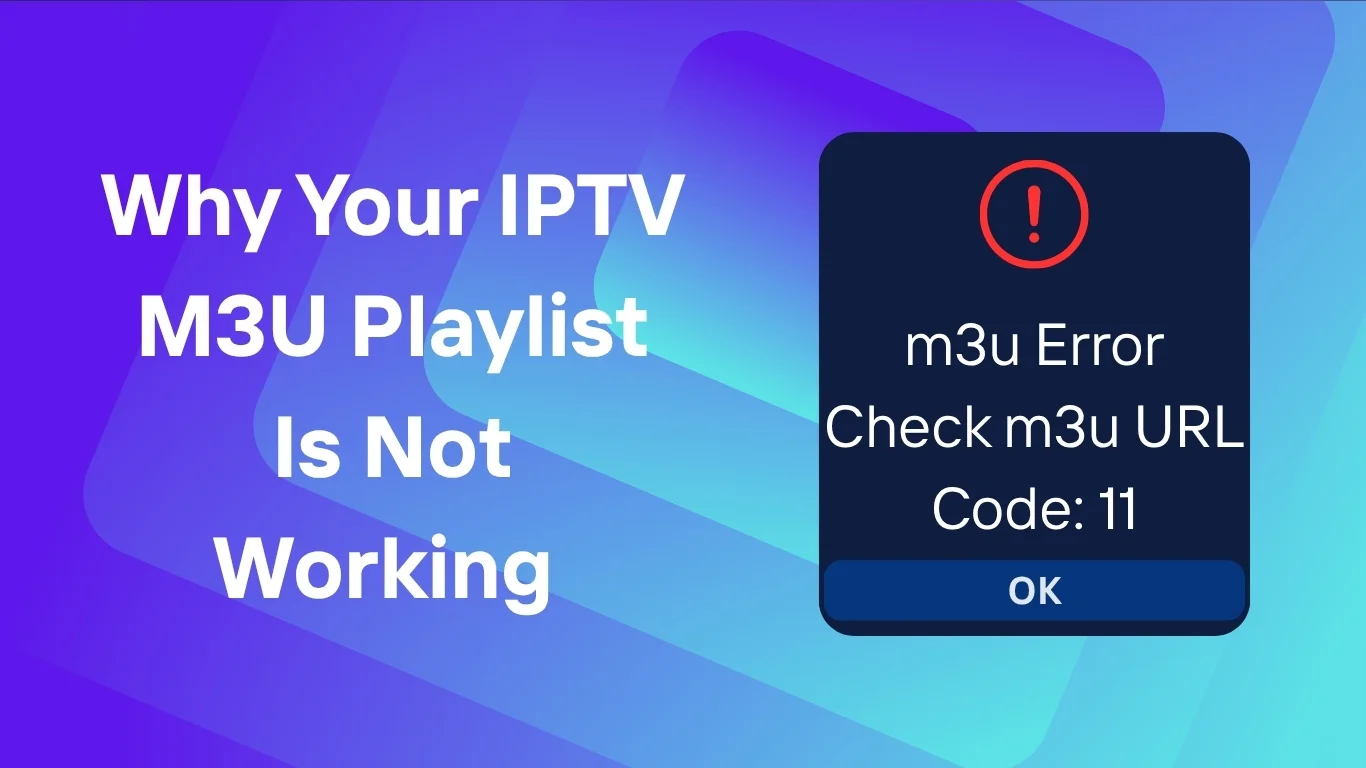
If you’ve ever tried to watch live TV or your favorite channels via IPTV and suddenly found that your IPTV M3U playlist is not working, you’re not alone. M3U playlists are the backbone of IPTV streaming—they contain the links that direct your player to the video streams. When they fail, your entire IPTV experience can come to a halt.
Whether you’re using a UK IPTV service, a 4K IPTV subscription, or any IPTV player app, there are multiple reasons an M3U playlist might stop working. In this guide, we’ll explore the most common causes, explain how to fix them, and share a few preventative tips to keep your streaming smooth.
Understanding M3U Playlists in IPTV
An M3U playlist is a simple text file that lists URLs to IPTV streams. It tells your IPTV app where to find and how to organize the TV channels or video files. These playlists usually look like:
#EXTM3U
#EXTINF:-1, BBC One
http://examplelink.com/bbcone/playlist.m3u8
When your M3U file doesn’t load, it means something is interrupting that connection between your player and the streaming server.
Common Reasons Why IPTV M3U Playlists Stop Working
1. The Playlist Link Is Expired or Invalid
Many IPTV providers issue temporary M3U links that expire after a certain period. Once the link expires, the playlist becomes inaccessible.
Fix: Contact your IPTV provider to request a new link or check if the service offers an auto-renewal option.
2. Server-Side Problems
Sometimes, the problem isn’t on your end. The IPTV server hosting the streams could be offline or overloaded.
Fix: Try loading the M3U link in a browser. If it doesn’t open or returns an error (like 404 or 503), the server may be down. Wait or switch to another server if available.
3. Internet Connection Issues
A weak or unstable internet connection can prevent the M3U playlist from loading or streaming properly.
Fix:
- Restart your router.
- Test your internet speed (you’ll generally need at least 10 Mbps for HD streams).
- Try connecting your device via Ethernet for a more stable connection.
4. Player Configuration Errors
If your IPTV player isn’t configured correctly, it may fail to parse or read the M3U file.
Fix:
- Ensure your player supports M3U and M3U8 formats.
- Reinstall the IPTV app or reset the settings.
- Try a different player such as VLC, Tivimate, or IPTV Smarters.
5. Firewall or VPN Blocking
Some VPNs or firewalls block streaming URLs to prevent unauthorized content.
Fix:
- Disable your VPN or firewall temporarily and reload the playlist.
- If you’re using a VPN for privacy, switch servers to one closer to your IPTV provider’s region.
6. Wrong File Encoding or Corrupted M3U File
If you downloaded the playlist file manually, it could be corrupted or saved in the wrong format (e.g., UTF-8 with BOM).
Fix:
Open the file in a text editor (like Notepad++) and ensure the format is plain text (UTF-8). Save and re-upload it to your player.
7. Outdated IPTV Player or Device
Older versions of IPTV players may no longer support new streaming protocols or formats.
Fix:
- Update your IPTV player to the latest version.
- If you’re using a smart TV app, check for firmware updates.
- Consider reinstalling your IPTV app entirely.
How to Fix IPTV M3U Playlist Not Working: Step-by-Step
- Verify the M3U Link – Open it in a browser to ensure it’s active.
- Check Your Internet – Test your speed and stability.
- Switch to Another Player – Sometimes, a different player handles the stream better.
- Disable VPN or Firewall – See if that resolves the issue.
- Update Software – Both your IPTV player and your device firmware.
- Request a New Link – If the link has expired or is invalid.
- Try a Test Playlist – Use a public M3U test link (for troubleshooting only).
Preventing Future IPTV M3U Problems
To avoid recurring issues:
- Always use a reliable IPTV service with active technical support.
- Regularly back up your M3U file.
- Avoid sharing your playlist link publicly (as it may be blocked or blacklisted).
- Keep your IPTV player updated.
- Use a wired connection whenever possible.
Alternative Formats: M3U8 and EPG Files
If your M3U playlist stops working, consider using an M3U8 link instead. It’s a more modern, web-optimized format often used for live streaming. Also, pairing your playlist with an EPG (Electronic Program Guide) can improve usability by providing program schedules and channel info.
FAQs
1. Why does my IPTV playlist keep buffering?
This usually happens due to a slow internet connection or overloaded IPTV servers. Try lowering the stream quality or connecting via Ethernet.
2. Can I use my M3U playlist on multiple devices?
Some IPTV providers allow this, but others restrict it. Using it on too many devices may cause the playlist to get blocked.
3. Is it safe to download M3U playlists from public sources?
Not always. Public playlists can include broken or malicious links. Always use playlists from verified IPTV providers.
4. What’s the difference between M3U and M3U8?
M3U8 is an advanced version of M3U, using UTF-8 encoding, which makes it better for modern streaming and non-English channel names.
5. My IPTV player says “No channels found.” What should I do?
This usually means the playlist file is empty or unreadable. Check if the link is valid or re-import it into the player.
Conclusion
When your IPTV M3U playlist is not working, it can be frustrating—but most issues are easy to fix. From expired links and configuration errors to simple internet hiccups, the solutions often take just minutes to apply. Regular maintenance, keeping software up-to-date, and using a reliable UK IPTV service or 4K IPTV subscription can ensure uninterrupted streaming.
For more information about IPTV technology and formats, you can learn more on Wikipedia’s IPTV page.
M3u Playlist
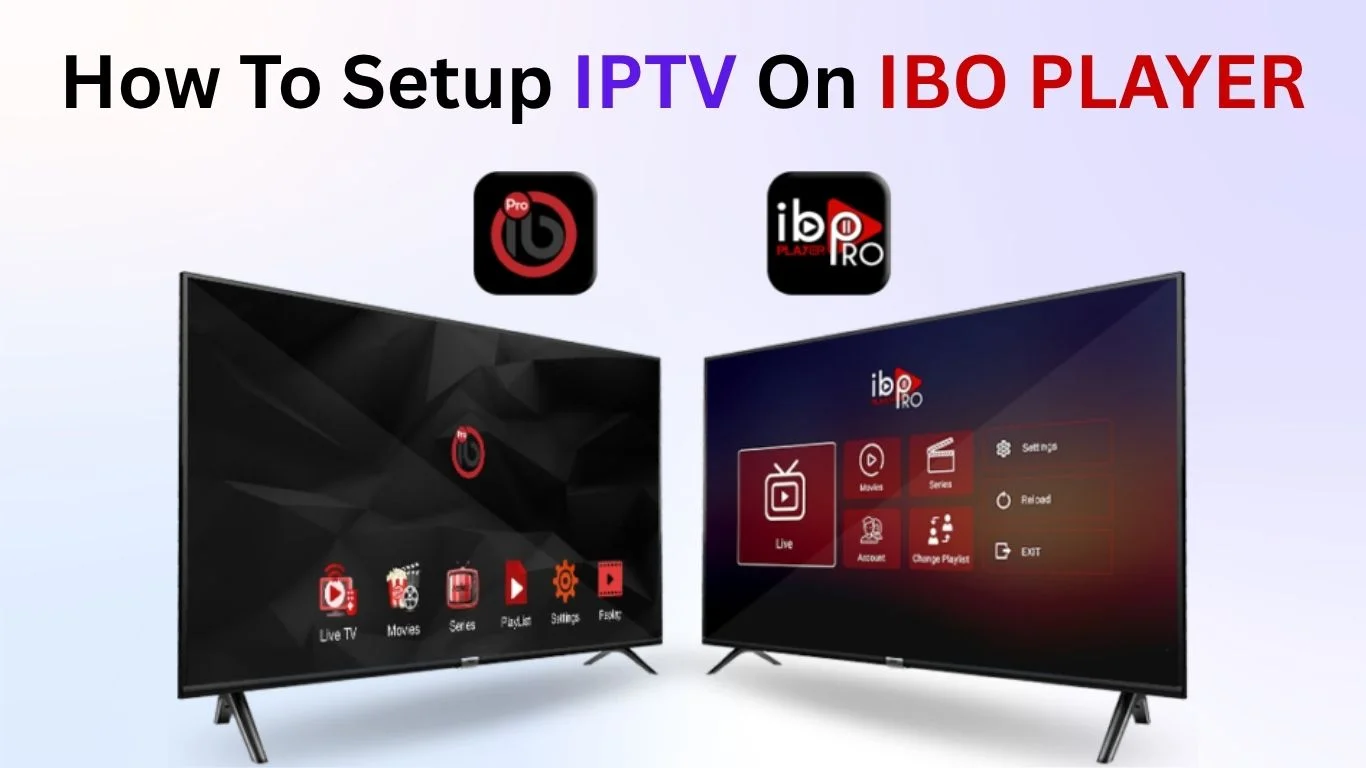
- Screen layout
- Audio settings
- Themes
- Playback preferences
- Smart TVs
- Smartphones
- Tablets
- Android streaming devices
- A modern interface
- Faster performance
- Updated UI elements
- Samsung Smart TVs
- LG WebOS TVs
- Android TVs
- Fire TV Stick
- Smartphones (Android / iOS)
(Mobile support may vary depending on the version)
IPTV Playlist Support
- IPTV providers
- M3U playlists
- Xtream Codes API
- Local or cloud sources
Smart TV & Mobile Integration
- Organize multiple playlists
- Sort channels by groups
- View TV guides (EPG)
- Customize appearance
- Fast channel zapping
- Smooth HD/4K playback
- Your MAC address
- A device key
Step 4: Add Your M3U Playlist
username=244WD55226dg&password=1122334455&type=m3u_plus&output=ts
Your channels should now appear.
- Fake activation pages
- Websites claiming to "sell IBO Player subscriptions"
- IPTV dealers pretending to be IBO Player
IBO Player does NOT accept payments outside official channels.
- SmartOne IPTV
- NetIPTV
- SS IPTV
- Smart IPTV
- IPTV Smarters Pro
- Clean UI
- High stability
- Strong compatibility
- ✔ 7-day free trial
- ✔ $10 lifetime activation
Simple, Transparent Pricing
Choose the plan that works best for you. All plans include our 30-Day Money-Back Guarantee.
Limited Time Flash Sale!
Prices will return to normal after the timer ends.
Monthly
Perfect for trying out our service
-
28,000+ Live TV Channels
-
Full HD & 4K Quality
-
7-Day Catch Up
-
VOD Library (Movies & Series)
-
Use on 1 Device
-
24/7 Support via WhatsApp
3 Months
Great value for short term
-
28,000+ Live TV Channels
-
Full HD & 4K Quality
-
7-Day Catch Up
-
VOD Library (Movies & Series)
-
Use on 2 Devices Simultaneously
-
24/7 Support via WhatsApp
-
Save over 20% vs Monthly
Annual
Best value for loyal customers
12 Months + 2 Months FREE
-
28,000+ Live TV Channels
-
Full HD & 4K Quality
-
7-Day Catch Up & Recording
-
Premium VOD Library (Updated Daily)
-
Use on 3 Devices Simultaneously
-
VIP 24/7 Support
-
Save over 60% vs Monthly
-
Free Setup Assistance
Quarterly
Popular choice for commitment
-
28,000+ Live TV Channels
-
Full HD & 4K Quality
-
7-Day Catch Up & Recording
-
Extensive VOD Library
-
Use on 2 Devices Simultaneously
-
Priority 24/7 Support
-
Early access to new features
Secure Payment Options
We accept various secure payment methods for your convenience.
Ready for a Longer Test Drive?
Experience the full power of 4K Subscription IPTV with our exclusive 24-hour free trial. Access all 28,000+ channels, VOD, and premium features with no obligation. It's the perfect way to see why we're the UK's favourite IPTV provider!
Contact Us
Have questions or need assistance? We're here to help!
Get in Touch
Email Us
contact@4kukiptv.shop
Available 24/7
Call Us
+447424116014
Available 24/7
Live Chat
Available on our website
Response time: Under 5 minutes
Our Hours
Customer Support: 24/7
Sales Department: Mon-Fri, 9am-6pm GMT
Technical Support: 24/7
