Iptv Xml Guide
Introduction
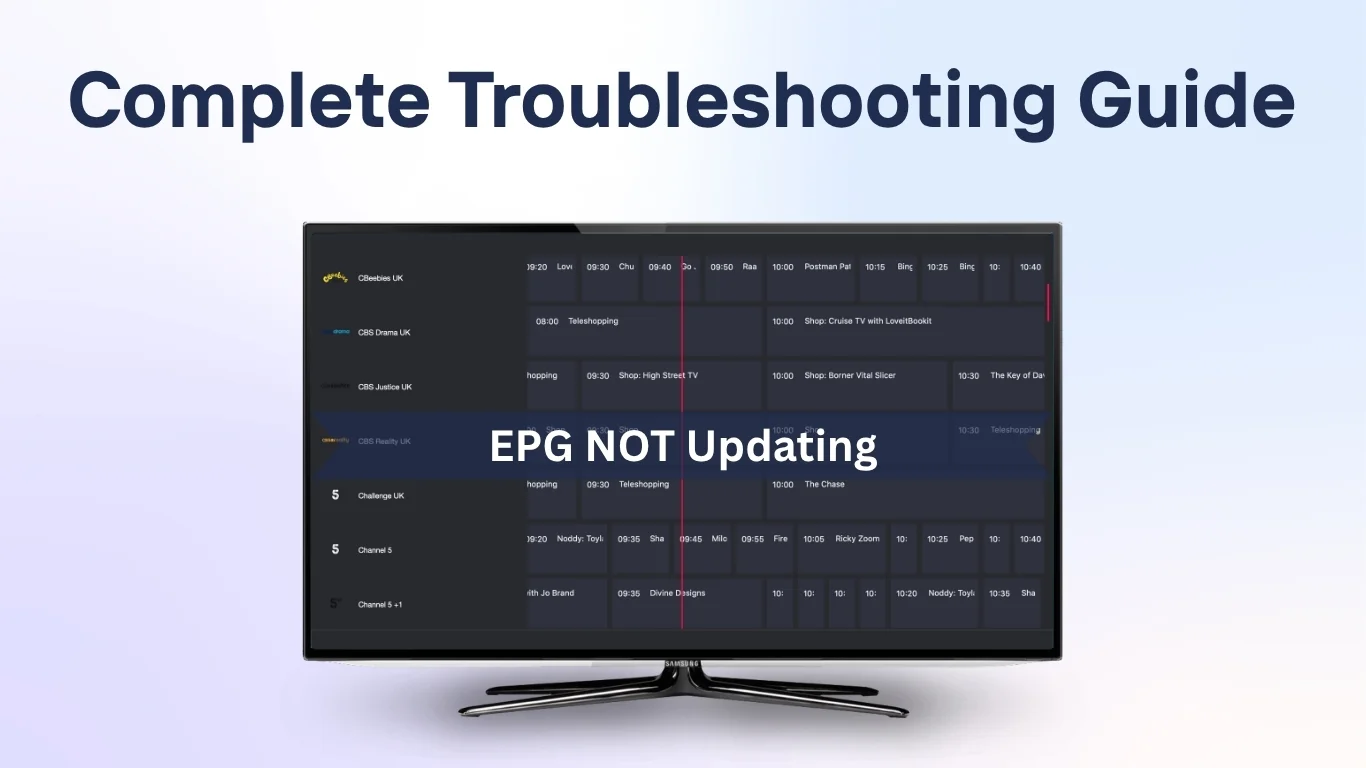
If you’ve noticed that your IPTV EPG not updating properly, you’re not alone. The Electronic Program Guide (EPG) is an essential part of any IPTV service, providing detailed schedules, show descriptions, and channel information. When it stops updating, it can be frustrating — leaving viewers without access to what’s currently on or coming next.
In this guide, we’ll explain why IPTV EPG fails to update, how to troubleshoot common problems, and what steps you can take to restore your TV guide efficiently. Whether you’re using an IPTV UK Provider, a UK IPTV Service, or a 4K IPTV Subscription, this article will help you get back on track.
What Is IPTV EPG and Why Is It Important
EPG (Electronic Program Guide) is a digital schedule that displays programming information for all channels on your IPTV service. It allows users to:
- Browse upcoming shows and movies
- View start and end times
- Set reminders or recordings (in supported apps)
- Navigate easily through hundreds of channels
When your EPG stops updating, it disrupts the viewing experience and makes channel surfing far less enjoyable.
Common Causes of IPTV EPG Not Updating
1. Outdated EPG Source URL
One of the most common issues is an expired or incorrect EPG source link. If your IPTV playlist or app cannot access a valid XML or M3U EPG source, the guide will not refresh.
Solution:
Check your IPTV provider’s dashboard or contact customer support for the latest EPG URL. Update it in your app settings and reload the guide.
2. Incorrect Time Zone Settings
If the time zone in your device or IPTV player is incorrect, your EPG may appear blank or show mismatched schedules.
Solution:
- Go to your device settings and ensure your time zone matches your location.
- In your IPTV app (such as Tivimate or IPTV Smarters), enable automatic time synchronization.
3. Cached Data or Old EPG Files
Some IPTV apps store EPG data locally. Over time, these files can become outdated or corrupted.
Solution:
- Clear the cache within your IPTV app.
- Restart the app and reload the EPG.
- If available, use the “Refresh EPG” or “Reload Guide Data” option.
4. App or Firmware Glitches
If you’re using an outdated app version or your device’s firmware hasn’t been updated, it can cause synchronization issues with the EPG.
Solution:
- Check for updates in your app store.
- Reinstall the IPTV app if issues persist.
- Update your device firmware (especially on Android TV boxes or Firesticks).
5. Server Downtime or Provider Issue
Sometimes, the issue is on your IPTV provider’s side. If their EPG server is temporarily offline or under maintenance, updates may fail.
Solution:
Wait a few hours and try again. If the issue continues, check your provider’s support group or website for announcements.
Step-by-Step Troubleshooting Guide
Step 1: Test EPG URL
- Open a web browser.
- Paste your EPG link (usually ending in .xml or .gz).
- If it doesn’t load or shows an error, the source is invalid. Request a new one from your IPTV service.
Step 2: Force Refresh
Most IPTV players like Tivimate, Smarters Pro, or XCIPTV have a “Refresh EPG” option under Settings.
Run this feature manually and wait for the guide to reload.
Step 3: Re-add Your Playlist
- Delete your existing IPTV playlist.
- Re-add it using the updated M3U and EPG URLs.
- Restart your device to clear temporary data.
Step 4: Check for App-Specific Fixes
Each IPTV app handles EPG differently.
For example:
- Tivimate: Settings → EPG → Clear EPG Data → Update.
- IPTV Smarters Pro: Refresh EPG → Force Reload.
- Smart STB: Menu → Reload Portal → Reload EPG Data.
Step 5: Verify Network Stability
A weak internet connection can prevent EPG data from downloading.
Make sure your connection is stable:
- Use a wired Ethernet cable if possible.
- Run a speed test (minimum 10 Mbps recommended).
Advanced Fixes for Persistent EPG Issues
1. Use External EPG Sources
If your provider’s guide is unreliable, try linking to a public EPG source. Many open XML sources update frequently and work across multiple IPTV apps.
For a list of free EPG data formats, visit Wikipedia’s article on Electronic Program Guides.
2. Check XML File Compatibility
Some IPTV players support only specific EPG formats (XMLTV or JTV). If your file is in an unsupported format, it may not display correctly.
Solution:
Convert your EPG file using a free online EPG converter or request a compatible version from your provider.
3. Sync Device Time Automatically
Go to:
- Android: Settings → Date & Time → “Use Network-Provided Time.”
- Fire TV: Settings → Preferences → Time Zone → Automatic.
A mismatch in system time can cause all EPG entries to appear blank.
Best Practices to Keep Your EPG Running Smoothly
- Always back up your M3U and EPG URLs.
- Regularly clear your IPTV app’s cache.
- Avoid using free VPNs that might block EPG data loading.
- Schedule periodic EPG refreshes (every 12–24 hours).
- Choose a UK IPTV Service that provides reliable EPG support and regular updates.
Frequently Asked Questions (FAQs)
1. What does EPG mean in IPTV?
EPG stands for Electronic Program Guide — a digital TV schedule that displays channel and show information within your IPTV app.
2. Why is my EPG blank or outdated?
A blank EPG often means the XML file didn’t load properly or your source URL is outdated. Check your provider’s latest EPG link and refresh your guide.
3. How long does it take for EPG to update?
Usually, a full refresh takes between 5–15 minutes, depending on your internet speed and the number of channels.
4. Can I use an external EPG with my IPTV app?
Yes. Most advanced IPTV players like Tivimate allow you to import external EPG URLs from reliable sources.
5. Does EPG affect streaming quality?
No. The EPG only provides schedule data; it doesn’t impact video playback quality or buffering speed.
Conclusion
A non-updating IPTV EPG can make channel navigation difficult, but the fix is usually simple. By checking your EPG URL, verifying time settings, clearing cache, and keeping your IPTV app updated, you can restore your guide within minutes.
Consistent maintenance — like periodic refreshes and keeping your software up to date — ensures your 4K IPTV Subscription continues to deliver a seamless, TV-like experience.
Remember, the key is to use a reliable UK IPTV Service with consistent support and an active EPG feed. Once your guide is back, you’ll never have to guess what’s next again!
Simple, Transparent Pricing
Choose the plan that works best for you. All plans include our 30-Day Money-Back Guarantee.
Limited Time Flash Sale!
Prices will return to normal after the timer ends.
Monthly
Perfect for trying out our service
-
28,000+ Live TV Channels
-
Full HD & 4K Quality
-
7-Day Catch Up
-
VOD Library (Movies & Series)
-
Use on 1 Device
-
24/7 Support via WhatsApp
3 Months
Great value for short term
-
28,000+ Live TV Channels
-
Full HD & 4K Quality
-
7-Day Catch Up
-
VOD Library (Movies & Series)
-
Use on 2 Devices Simultaneously
-
24/7 Support via WhatsApp
-
Save over 20% vs Monthly
Annual
Best value for loyal customers
12 Months + 2 Months FREE
-
28,000+ Live TV Channels
-
Full HD & 4K Quality
-
7-Day Catch Up & Recording
-
Premium VOD Library (Updated Daily)
-
Use on 3 Devices Simultaneously
-
VIP 24/7 Support
-
Save over 60% vs Monthly
-
Free Setup Assistance
Quarterly
Popular choice for commitment
-
28,000+ Live TV Channels
-
Full HD & 4K Quality
-
7-Day Catch Up & Recording
-
Extensive VOD Library
-
Use on 2 Devices Simultaneously
-
Priority 24/7 Support
-
Early access to new features
Secure Payment Options
We accept various secure payment methods for your convenience.
Ready for a Longer Test Drive?
Experience the full power of 4K Subscription IPTV with our exclusive 24-hour free trial. Access all 28,000+ channels, VOD, and premium features with no obligation. It's the perfect way to see why we're the UK's favourite IPTV provider!
Contact Us
Have questions or need assistance? We're here to help!
Get in Touch
Email Us
contact@4kukiptv.shop
Available 24/7
Call Us
+447424116014
Available 24/7
Live Chat
Available on our website
Response time: Under 5 minutes
Our Hours
Customer Support: 24/7
Sales Department: Mon-Fri, 9am-6pm GMT
Technical Support: 24/7
